Usage
Run with uv run timesafe. Everything is keyboard-driven; the footer shows the keys for the current screen.
Driving time-safe from another program?
This page covers the interactive TUI. For scripting — cron, systemd, or another program — see the CLI & automation reference, which documents every command, its JSON output, and the exit codes.
Vaults (home)
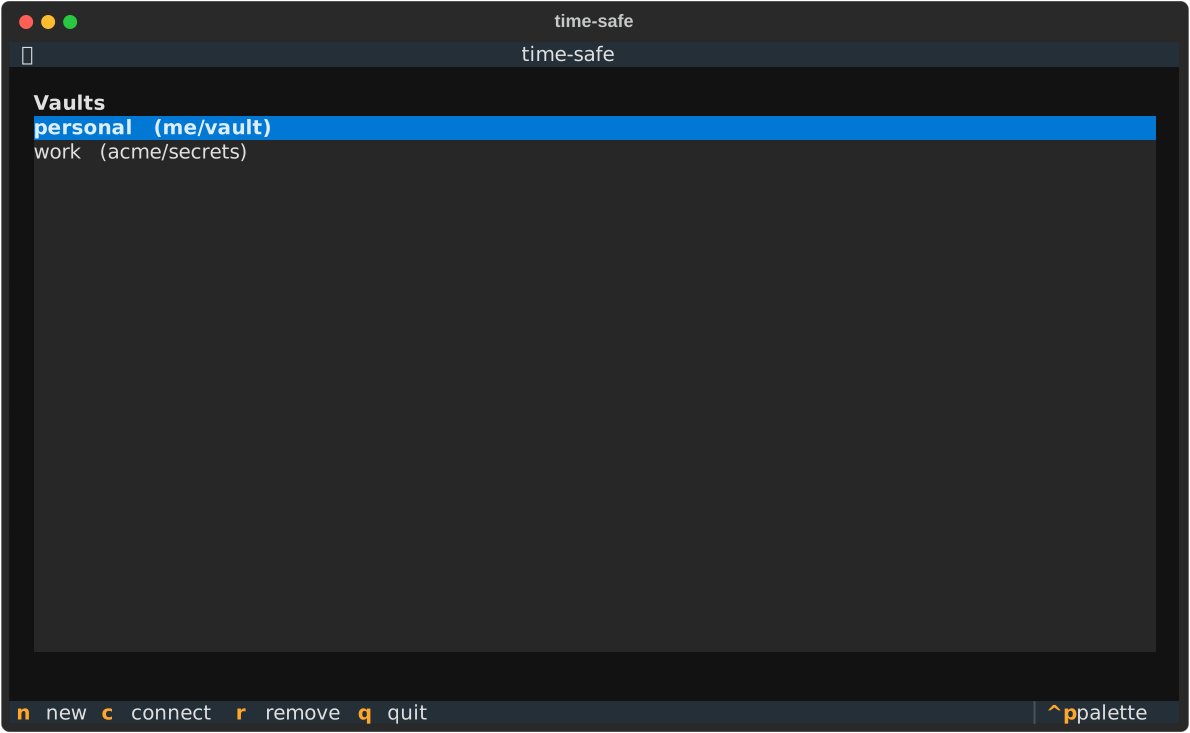
| Key | Action |
|---|---|
↵ |
open the highlighted vault |
n |
add a vault (name, repo, token, and whether to create the repo). Creates and/or initializes it if needed, or just registers one another machine already set up → then optionally link Gmail |
r |
remove the highlighted vault from your local list (the GitHub repo is untouched) |
q |
quit |
Secrets list
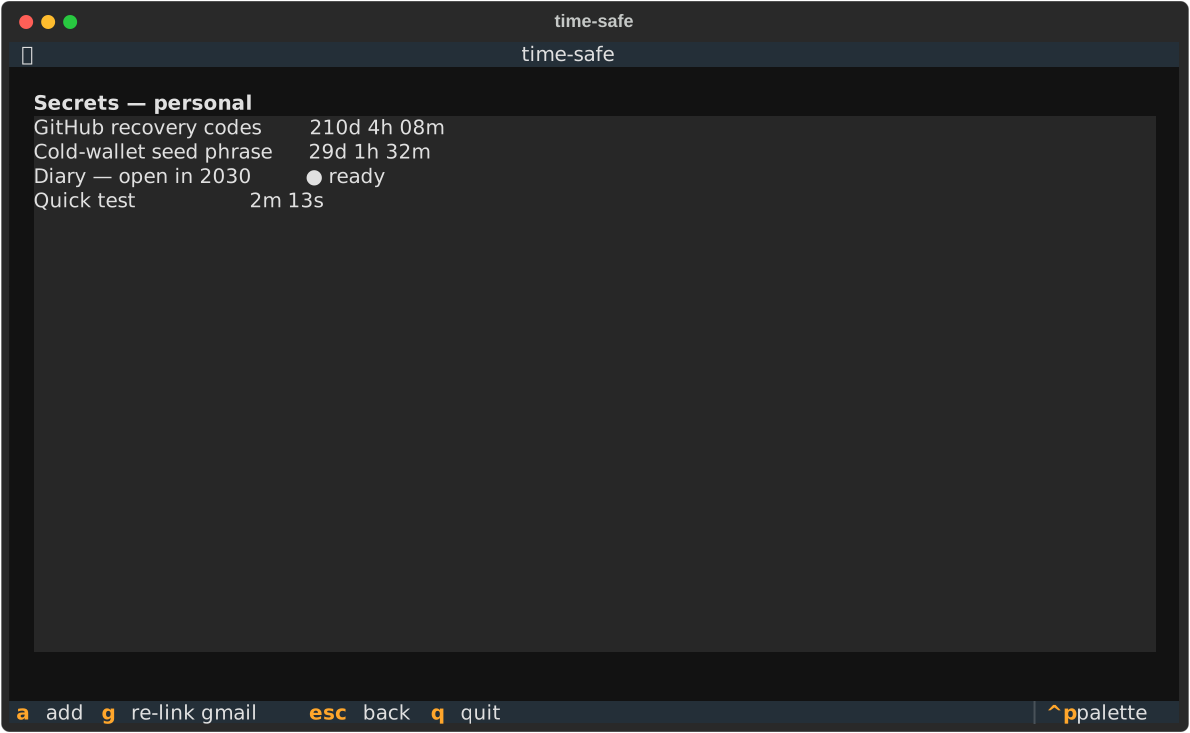
Each row shows a live countdown (or ● ready, green, once unlocked), an ✉ if the secret will email itself on unlock, and the absolute unlock time.
| Key | Action |
|---|---|
↵ |
open the highlighted secret |
a |
add a secret |
g |
re-link Gmail for this vault (rotate the sending credential) |
esc |
back to the vault list |
Secret detail
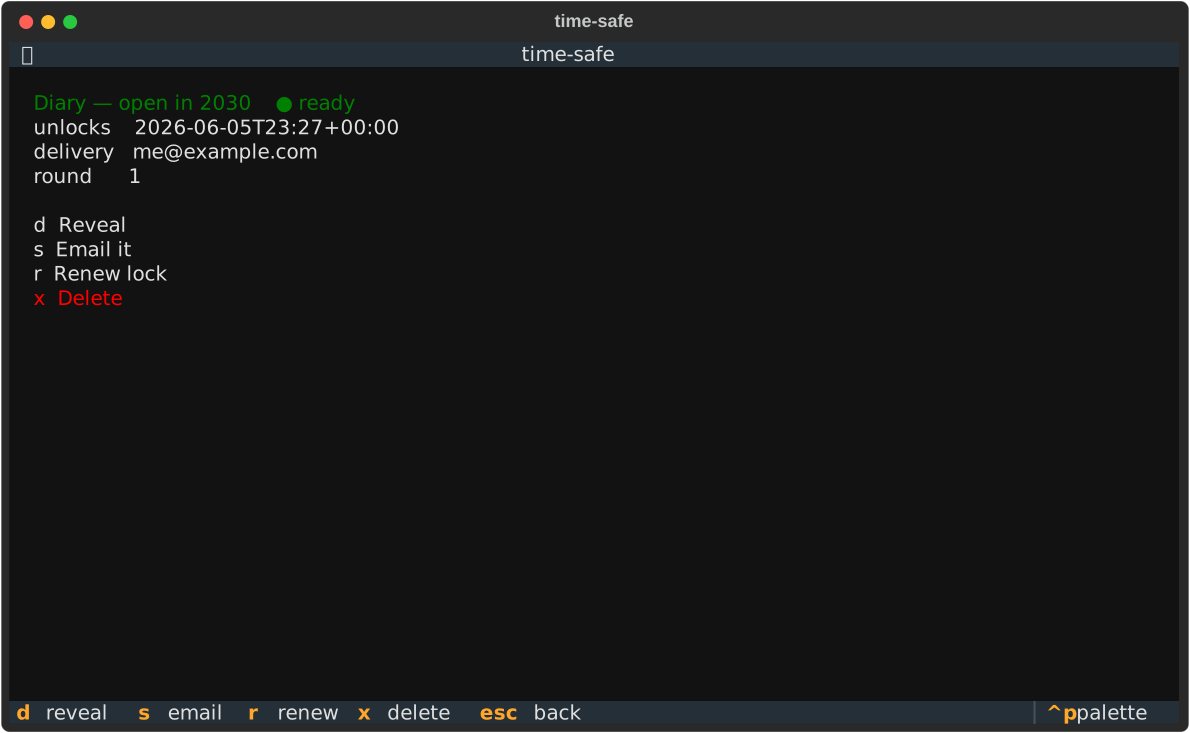
Actions appear only when a secret is ready:
| Key | Action | When |
|---|---|---|
d |
Reveal — decrypt locally and display the plaintext | ready |
s |
Email it — trigger the workflow to decrypt at T and email the plaintext | ready, and a delivery email is set |
r |
Renew lock — re-lock for a new duration (decrypts now, re-encrypts to a new round) | ready |
c |
Copy id — the id timesafe reveal --id wants; names are not unique, ids are |
always |
x |
Delete | always |
esc |
back | always |
There is no "extend" for a locked secret — a real time-lock means the unlock time is immutable. To re-time a secret you must wait until it's ready, then Renew.
Add secret
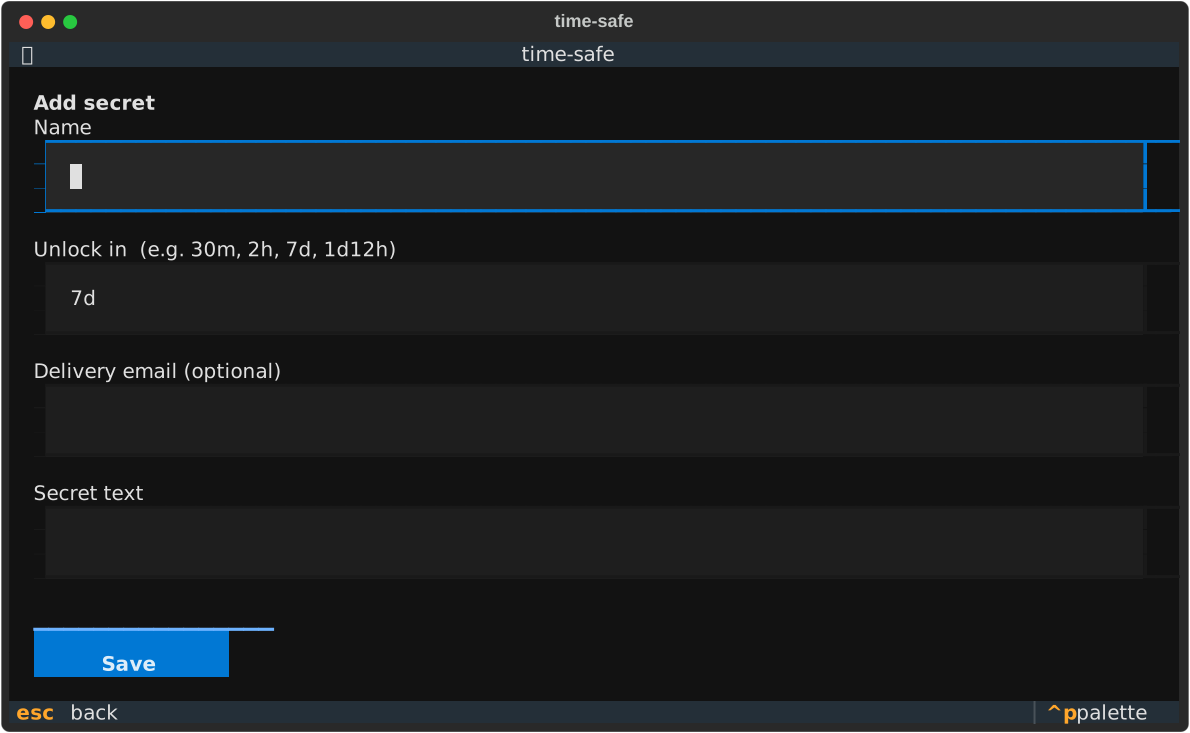
- Unlock in accepts
30m,2h,7d,1d12h,90s, or a bare number (days). - Delivery email is optional and only used by "Email it".
- On save, the plaintext is timelock-encrypted and pushed as
vault/secrets/<id>.tle(+ metadata + aworkflow_dispatchunlock workflow). No key is stored.
Reveal
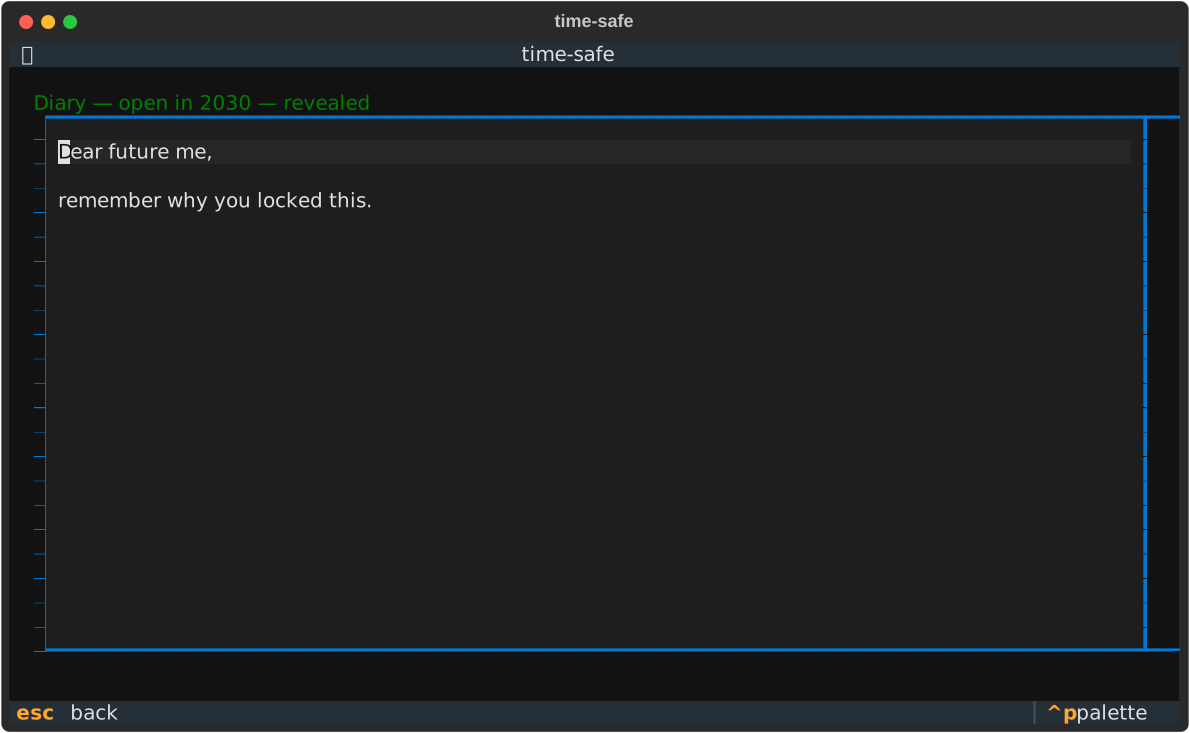
Reveal happens entirely on your machine: the app fetches the ciphertext and the now-public drand signature for the secret's round and decrypts in memory. The plaintext is shown read-only and discarded when you leave the screen.